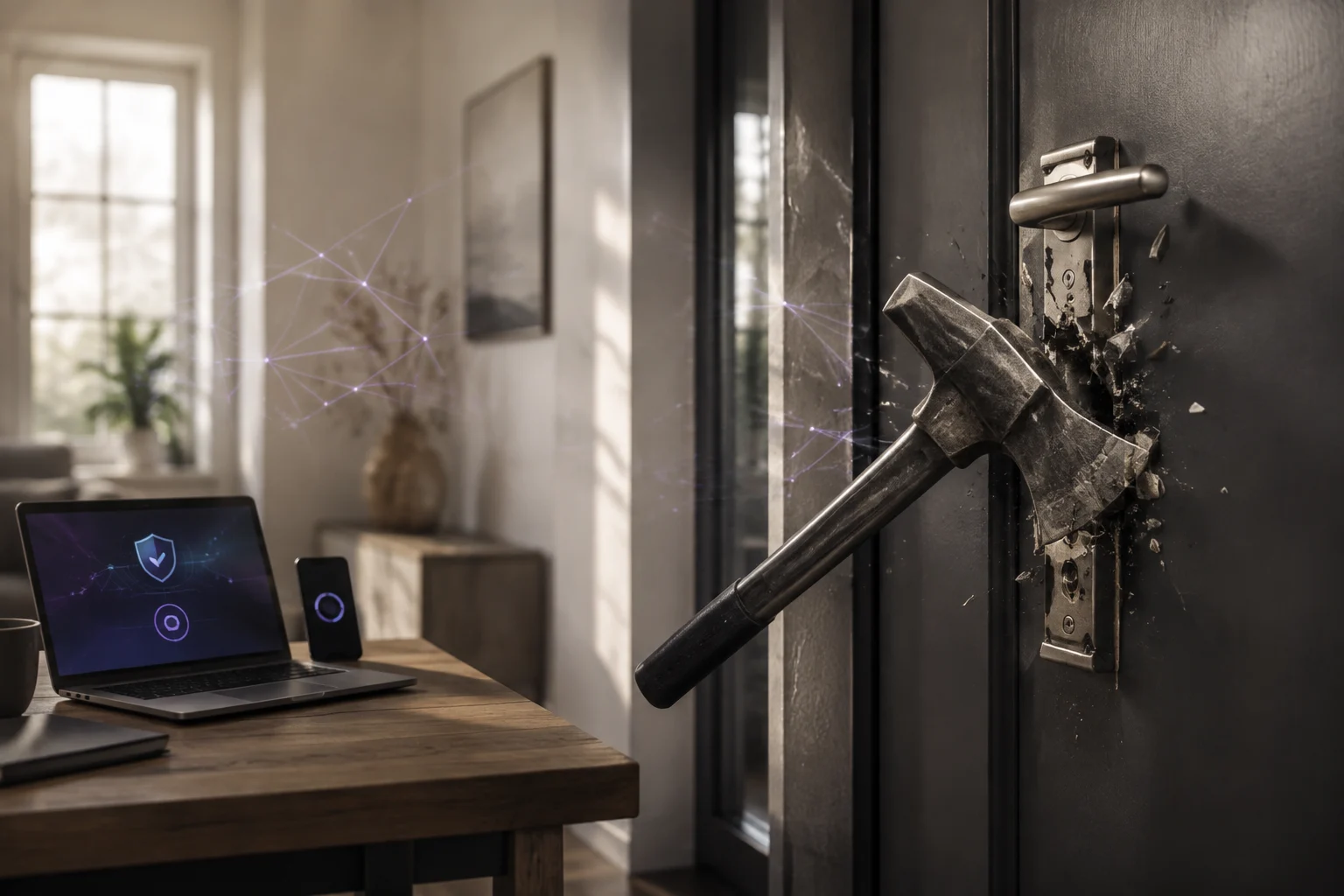
A website can load quickly, let users log in and send email, and still be hacked.
I found that during the handover of an existing PHP project. The public platform looked normal, but its storage contained web shells, disguised PHP files and hundreds of traces of an automated attack. An old backup was infected too.
That is why I do not start an unfamiliar project on a new server straight away. First I establish what I am taking over: source code, server settings, accounts, dependencies, uploads, backups and available logs. If your host or Google has warned you, you see redirects or suspect malware, OROS starts with an assessment through a Website Check-up at €100 excl. VAT. Recovery starts at €800 excl. VAT; the final price follows the assessment. Send the first details through the security request form; a phone call is not required.
Website hacked: do this first
Do not randomly delete files. You can erase evidence, break a working feature or mistake an infected backup for a clean one.
Record warnings, unknown pages, redirects, changed files, new administrator accounts and when the issue started. Keep available logs and make a separate copy of the current state. Treat that copy as evidence, not as a safe backup.
Then contain active damage. The right measure depends on the incident: block an upload directory, temporarily take a part of the site offline when phishing or payment fraud is active, and rotate credentials in a controlled order. A quick antivirus scan is useful, but it is not proof that a site is clean.
The website appeared to work normally
The environment contained several PHP applications, an old retained version and years of uploaded media. Public pages and login worked. In public storage I found cache.php loaders, altered .htaccess files and PHP hidden behind image or video extensions. One file named .bmp contained PHP; another decoded encrypted web requests and executed the result.
Such a web shell gives an attacker the rights of the website account. It can expose application files, configuration secrets and database credentials, and can be used to upload code, alter pages or send spam. The artefacts proved that access was possible, but did not prove that personal data had been exported. That distinction belongs in every trustworthy report.
One malware scan missed the important files
The first ClamAV scan reported nothing. Manual review and YARA rules for web shells found the malicious files. VirusTotal later classified the encrypted loader as malicious in 27 of 61 engines; the bitmap-disguised file was detected by 12 of 60.
Different detection counts do not make the lower count safe. Detection depends on signatures, obfuscation, timing and the files that were selected. I use VirusTotal as one piece of evidence, never as a quality mark, and never upload client databases, passwords or private configuration files.
For a PHP audit I combine file metadata and hashes, PHP-aware pattern analysis, YARA, antivirus checks, extension/content mismatches, .htaccess and PHP configuration review, archive inspection, Composer and npm audits, and manual assessment of the highest-risk findings. No single scanner gets the final word.
The file system showed a timeline
The first web shells appeared before a larger attack wave. Later, hundreds of files were written in the live application and the retained backup. Repeated directory names, matching timestamps and identical bundles pointed to automated spread. The backup was therefore not a reliable recovery source.
New application code does not remove files outside the package, replace stolen passwords, inspect the database or close forgotten access routes. A clean rebuild and a credential rotation are separate parts of recovery.
A vulnerable version is a clue, not proof
The server ran PHP 8.3, so there was no reason to blame an obsolete PHP version. The lock file did show Livewire 3.5.12. The maintainer’s advisory says versions before 3.6.4 can allow unauthenticated command execution in certain configurations (CVE-2025-54068). That made Livewire the strongest hypothesis for initial access, not a proven cause: historical HTTP logs were unavailable.
Later Filament and Kirby advisories showed why one update is not a maintenance strategy. PHP, Laravel, Livewire, Filament, Kirby, plugins, Composer packages, JavaScript packages and the server all have their own release and support cycles.
Uploads became executable code
Uploads were stored below a publicly linked directory and validation was broad. Nested .htaccess files could change how the web server treated extensions, so something that looked like an image could execute as PHP.
The first containment blocked public storage. An inventory then separated legitimate photos, PDFs and videos from executable extensions, nested .htaccess files, invalid media and ZIP bundles from the attack window. The surviving media returned through a static-only handler; PHP execution was blocked, uploads required authentication and request limits were added.
Safer long-term storage is outside the directly public web root. The application authenticates the user and serves the file only after checking it. Allow-list extensions, inspect file structure, generate filenames, enforce limits and never trust the browser-provided Content-Type. These are also recommendations in the OWASP File Upload Cheat Sheet.
What does a website security audit check?
I begin without executing unknown scripts. The exact scope varies, but an audit normally checks:
- Hosting layout, domains, public directories, PHP version, scheduled jobs, accounts and permissions.
- File names, sizes, timestamps, ownership and hashes before anything is removed.
- Source code in an isolated workspace without production data.
- Executable code in uploads, temporary directories, old versions and backups.
- The real contents of files; a
.jpgextension proves nothing. - Server configuration that can make unexpected extensions executable.
composer.lock,package-lock.json,composer auditandnpm auditresults.- Differences between old and current versions, including signs of partial cleanup.
- A clean local test environment with the intended PHP version.
- The production configuration before any public directory or deployment change.
The web server should expose only the intended public directory. Backups, .git, logs, source code and package directories must not be directly reachable. Laravel’s deployment guidance likewise routes requests to public/index.php (deployment documentation).
Investigation, containment and recovery are different steps
| Phase | Goal | Result |
|---|---|---|
| Security audit | Establish the technical state and possible infection | Findings, urgency, evidence versus hypotheses and a recovery recommendation |
| Containment | Stop known attack routes and active damage | Suspicious files isolated, executable uploads blocked and essential functions checked |
| Recovery | Build a verifiably clean environment | Reviewed code, fresh packages, cleaned uploads, checked accounts and rotated credentials |
| Maintenance | Prevent the same risk from returning quietly | Update process, logging, recoverable backups, access management and periodic review |
Containment is not a declaration that the site is clean. Full recovery includes reviewed source code, fresh packages, checked uploads and database data, rotated credentials, expired sessions and monitoring for new files and suspicious requests.
What does recovery from a hacked website cost?
At OROS, the first assessment is a Website Check-up at €100 excl. VAT. Recovery itself starts at €800 excl. VAT. I confirm the scope and price after the assessment, before recovery work begins. The final effort depends on the technology, number of applications and domains, uploads, access and logs, backup quality and whether a clean rebuild is needed.
The recovery starting price is not a promise that every incident can be solved for €800. You first receive clarity about what is being audited and which work belongs to audit, containment or recovery.
Maintenance after an infection
A PHP project needs a named technical owner and a maintenance budget. My baseline includes automated Composer and npm checks, monthly package review, tested updates, tracked support dates, access inventory, backups outside the public root and restore tests. Upload rules follow actual business needs; logs and file-change monitoring have an agreed retention period.
Automated reports are input for maintenance, not automatic repair. Unlimited dependency updates can break a site, so changes belong in an isolated work version with tests and a rollback plan.
The audit protects the client and the new developer
A developer cannot take responsibility for code that has not been examined. An acceptance audit records what existed before changes, identifies urgent risks and separates proven findings from hypotheses. In this case a normal-looking website contained a working command channel, persistent access files, an infected backup and a version history that explained part of the timeline.
Have your website examined
If you suspect malware, your host has blocked the site or you want to know whether a PHP project can be safely taken over, use the security request form with the URL, known technology and symptoms.
Frequently asked questions
How do I know if my website was hacked?
Possible signs include redirects, unknown Google pages, host warnings, new administrator accounts, changed files, spam from your domain or browser blocks. A site can also be infected without a visible symptom, so technical inspection may be necessary.
What should I do first?
Save warnings, logs and a copy of the current state before deleting files. Contain active damage, then establish where malware is, how code became executable and which credentials may be exposed. Do not restore an old backup until it has been checked.
Can malware be removed without rebuilding?
Sometimes. It depends on the source quality, infection size and trustworthiness of uploads and backups. A clean new deployment can be safer for serious or poorly bounded incidents.
Is a clean virus scan proof of safety?
No. A scan is one control inside a wider technical assessment. In this case ClamAV missed files that manual analysis and additional scans recognised as malicious access points.
This article is based on an anonymised project handover from September 2026. Names, hostnames, paths, credentials and personal data were removed. Detection results and supported versions describe that investigated situation; they are not a new measurement of current scanners or software.
About the author

Daniel Orosz
Daniel builds websites and digital systems from Kerkrade and has worked with web technology since 2009. Since 2018 he has worked for dental practices. He explains technical choices in plain language.
More about Daniel →A useful next step
Security audit and malware recovery
Suspect malware or has your website been blocked? Send the URL and the symptoms in writing. The first assessment is a Website Check-up at €100 excl. VAT; recovery starts at €800 excl. VAT. The final price follows the assessment.
Send your security question →